Refresh your credit report

The latest credit score, total debt, and payment history.
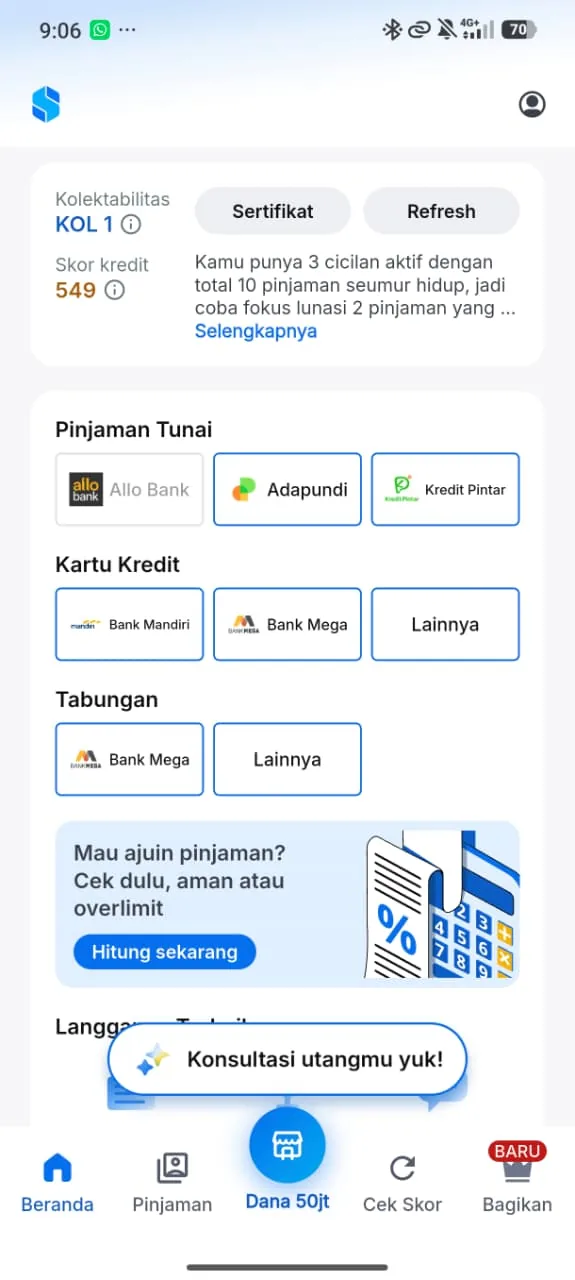
The Skorlife app home screen showing the KOL, the credit score, and the Refresh button

What gets updated

When your data has expired, the app reminds you and locks the Credit Report Explanation and the In-depth Credit Performance Analysis until you refresh your report.

  • Credit score
  • Balances
  • Payment history
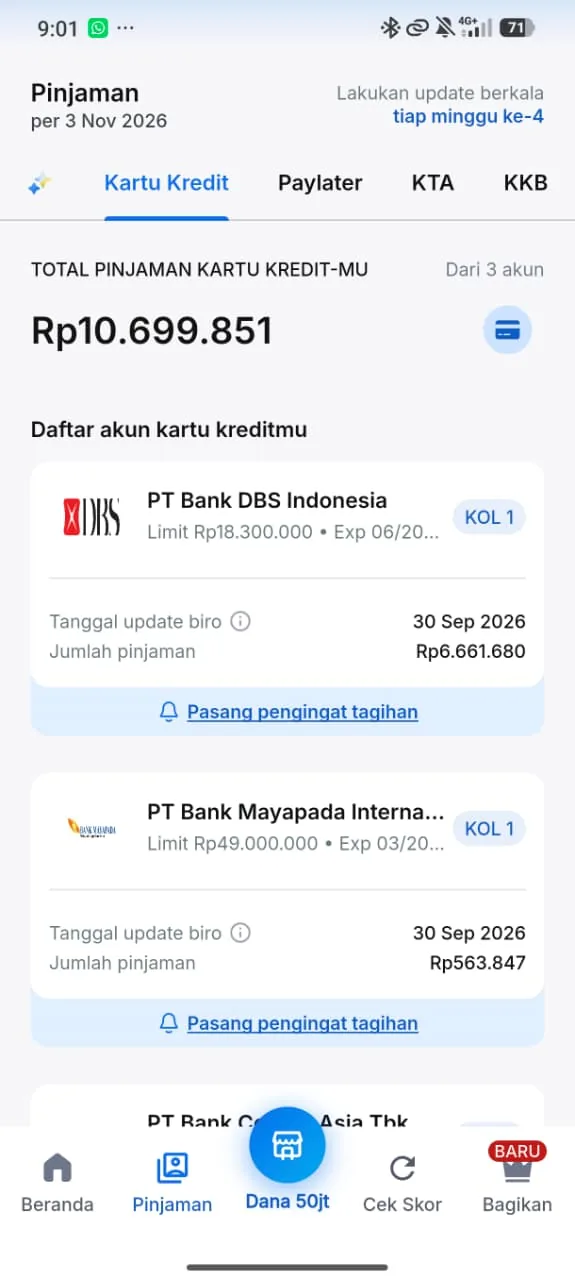
A list of credit card accounts in the Skorlife app with bureau update dates and loan amounts
Each account shows its bureau update date and its loan amount.
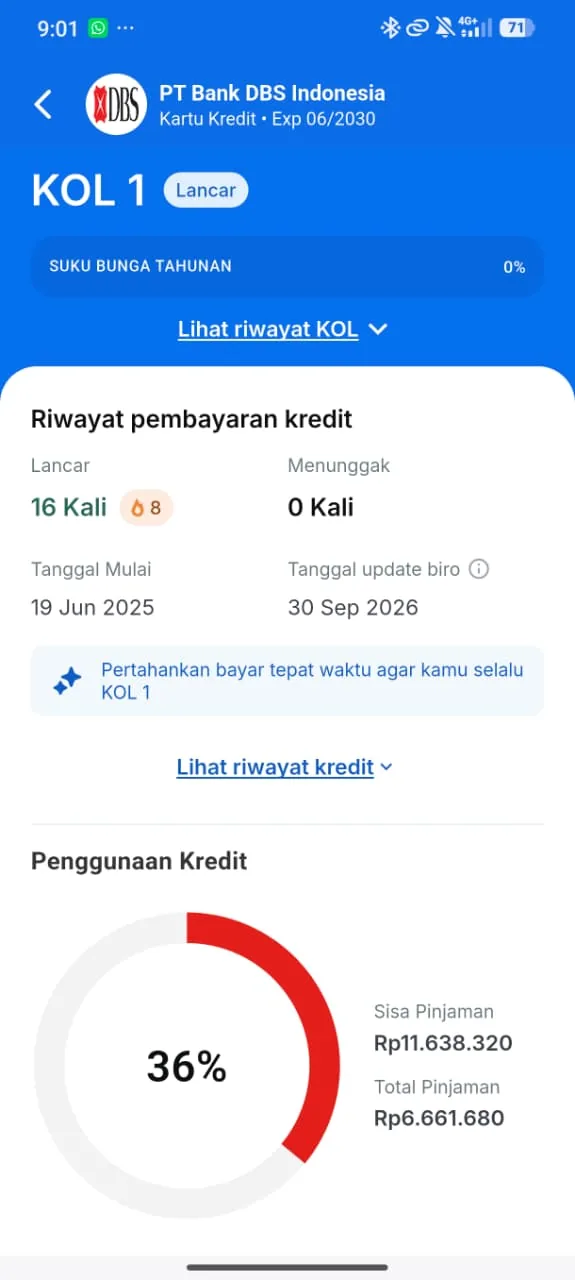
Credit card account details in the Skorlife app with the KOL, payment history, and credit usage
Account details show the KOL, the payment history, and credit usage.

How to refresh

  1. Open your report

    Open your credit report in the Skorlife app.

  2. Choose refresh

    Select Refresh Laporan Kredit to see your remaining refreshes and available options.

  3. Follow the prompts

    Follow the instructions in the app to refresh your report.

Refresh options and offers

Check the Skorlife app for current prices and promotions.
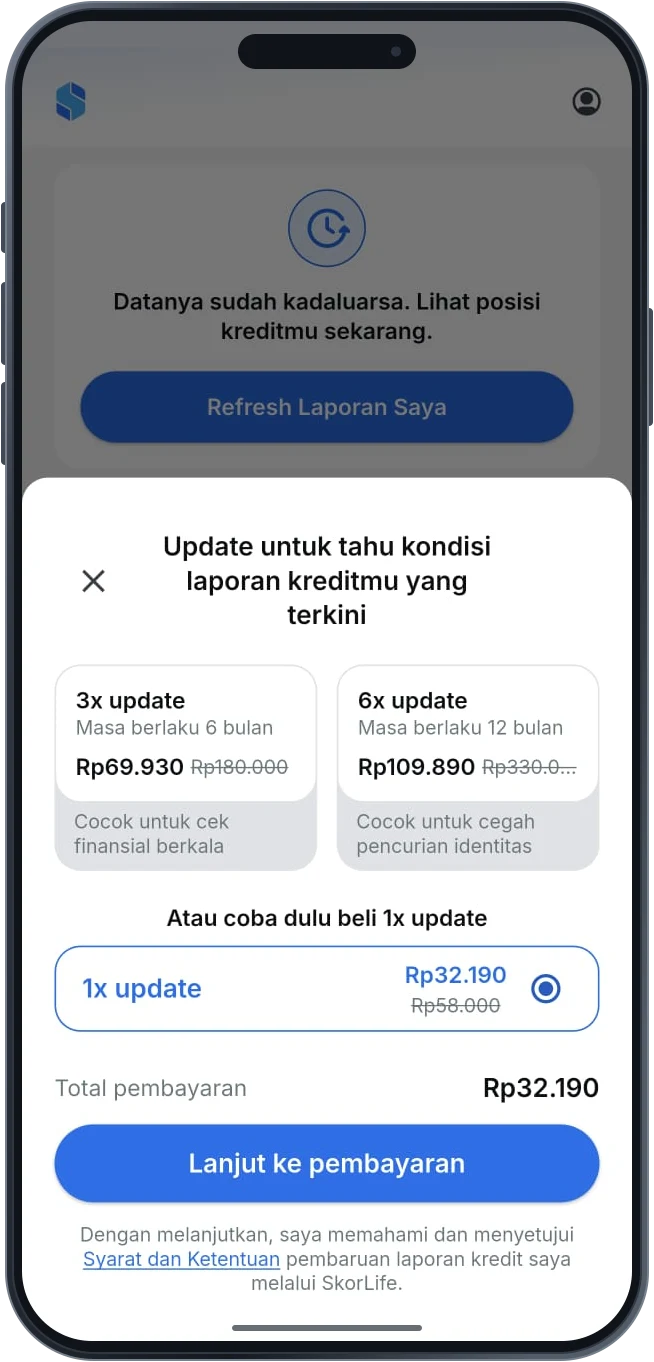
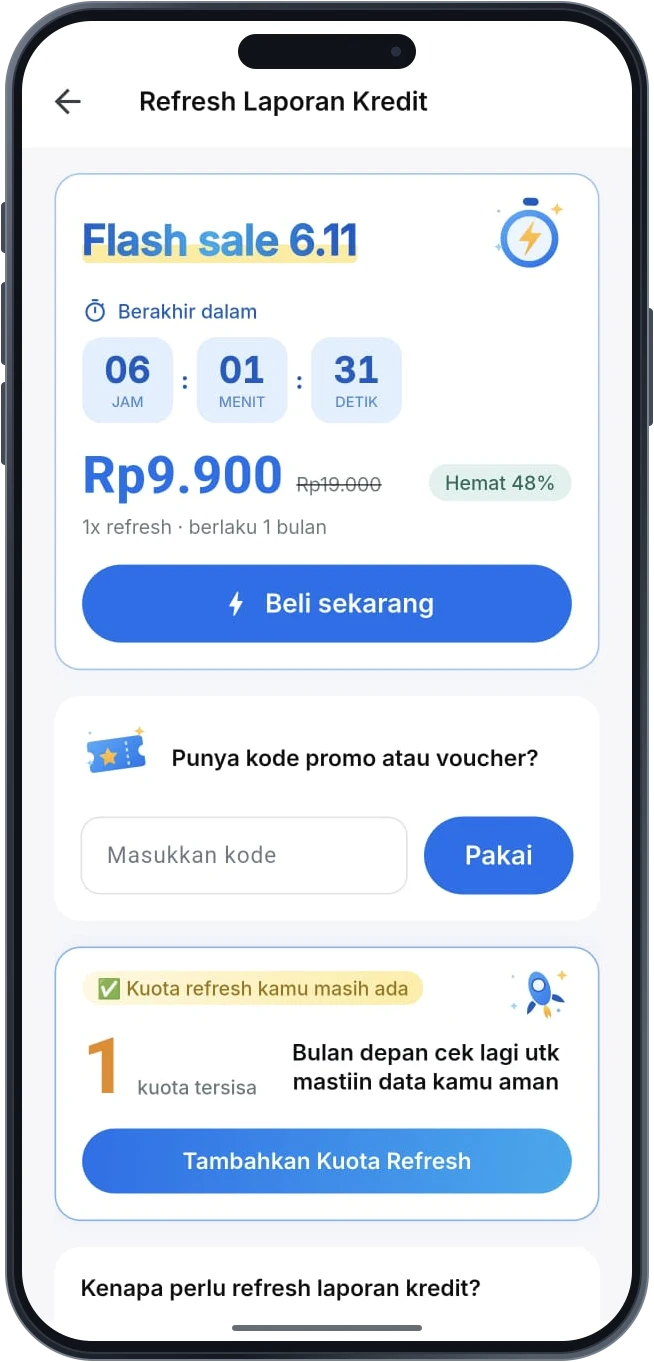
Example refresh packages shown in the app
Past 6.11 flash sale for a credit report refresh

Learn the basics of credit first

Three short explainers so you understand the numbers and terms in your credit report.


Curious how your score compares?

Explore credit ranking